
 DROPMAGIC MCP
Connect Dropmagic to
Ask Claude, ChatGPT or any MCP client to edit your pages, prices, offers and photos in plain words. Every change lands in your Dropmagic store.
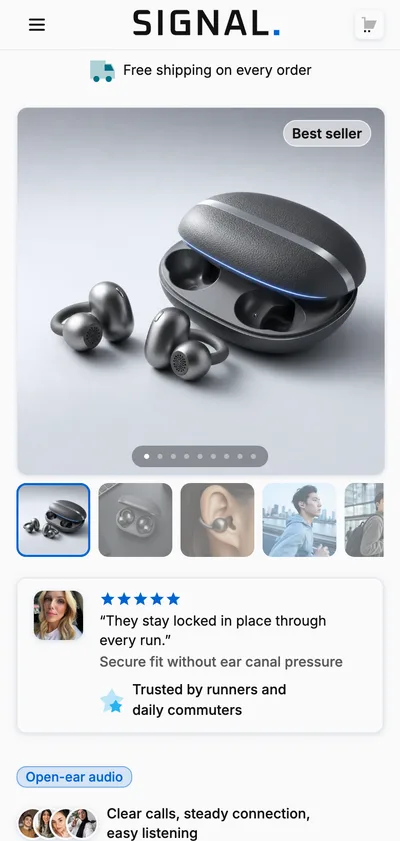
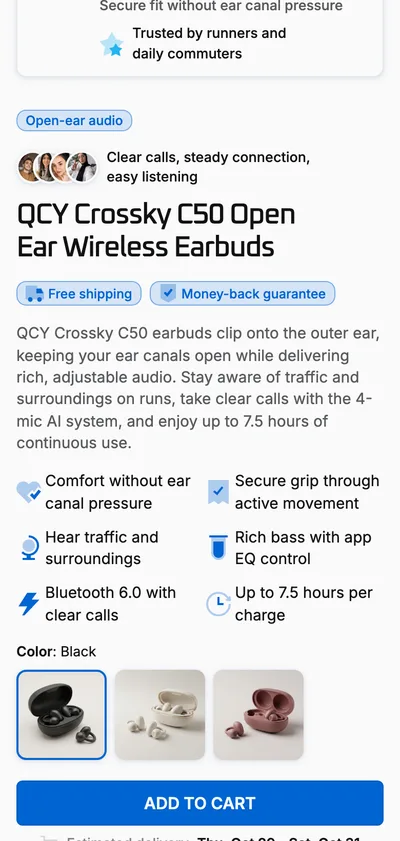
Examples: Build a store for @Open-Ear Earbuds. [screenshot] Recreate this section. Add bundle on @Halo Lamp. Rewrite the copy of all my pages. Lifestyle photos of @Halo Lamp, on brand.
 Open-Ear Earbuds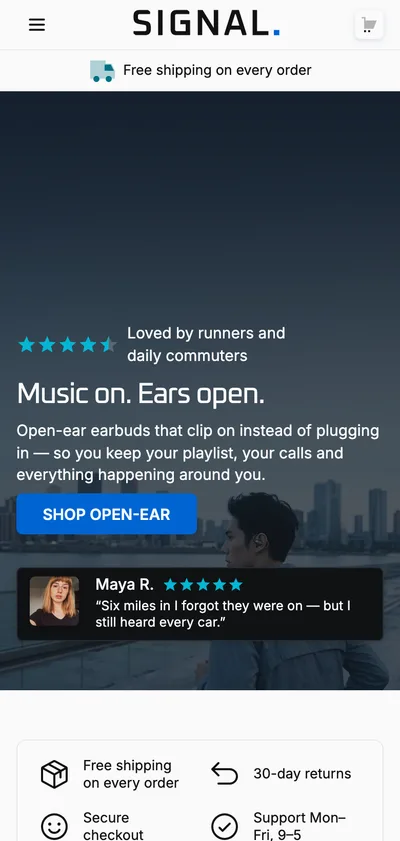
Ready to ask? Connected in two minutes.
Connect
Sign in with your Dropmagic account.
https://dropmagic.ai/mcp- 1
In Claude, open Settings → Connectors → Add custom connector.
- 2
Name it Dropmagic and paste the server URL:
https://dropmagic.ai/mcp - 3
Connect, sign in with your Dropmagic account and approve access.
Questions? Answers before you connect.
How is this different from Dropmagic's AI builder?
The builder runs Dropmagic’s AI for you. With the MCP, your own agent (Claude, ChatGPT…) does the thinking and Dropmagic’s tools make the changes, on the same stores, pages and products you edit in the builder. Open the builder and every change is there.
What can it change?
Any section of a page: texts, images, links, styles, and new sections from the library. Your product: title, prices, options, variants and photos. Your offers, the cart reward and the brand kit. It can also create pages and whole stores. Prices, offers and the cart stay linked: change a price once and the page, the offer and the cart follow.
Does it cost credits?
Connecting and editing are free. Images and videos made with the Studio apps cost credits, as they do in the Studio. Your agent tells you the cost and asks before each run.
Will it publish to my Shopify store?
Only when you say so. Publishing works exactly like the Publish button in the builder: it needs the Pro plan and a connected Shopify store.
Can it make up reviews or claims?
Its instructions forbid it: no invented reviews, ratings, customer counts, statistics or certifications. It writes from your product data and what you tell it, and asks when it needs more.
Is my account safe?
You sign in with your Dropmagic account and approve each app once. The app acts as you, only on your stores, and you can revoke it at any time under Connected apps.